
What Gets Lost Between the Walkthrough and the Written Program?
A walkthrough creates a pile of obvious notes. Without a living record, those notes fade before they become program artifacts or owned actions.

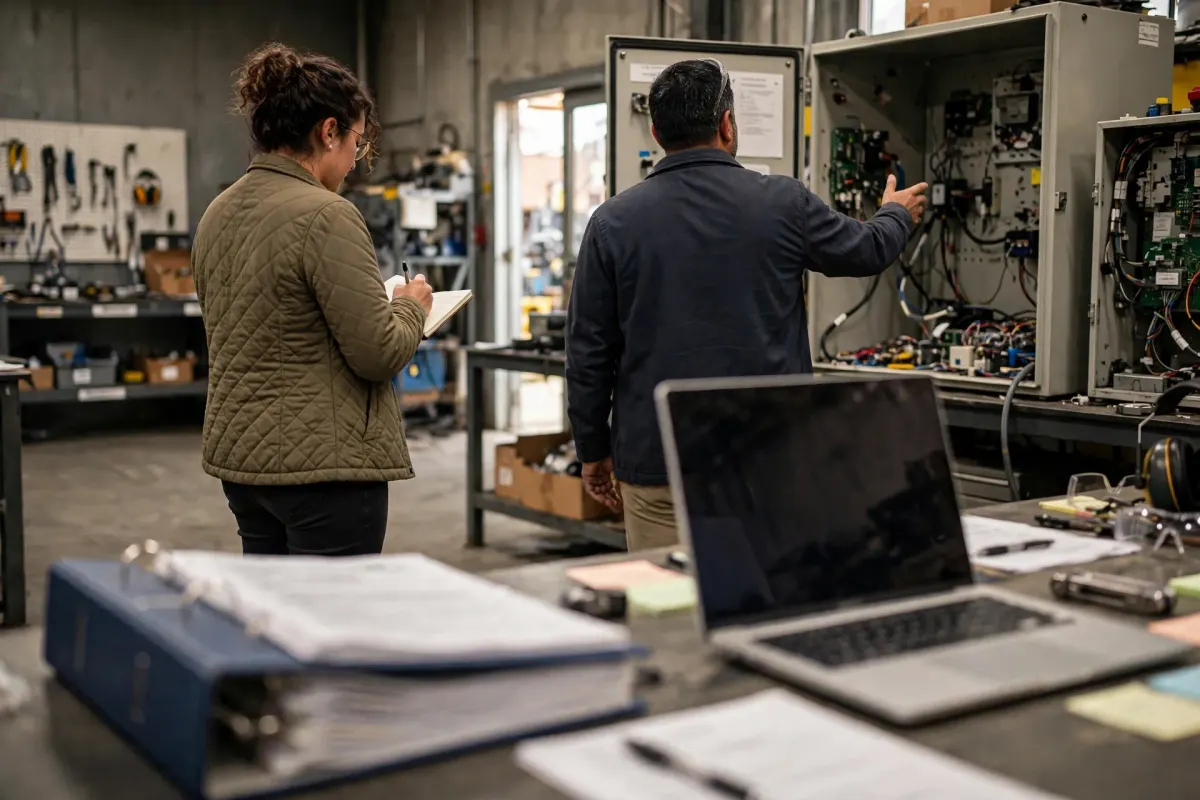
What gets lost between the walkthrough and the written program?
The translation problem is familiar to anyone who has walked a floor and then opened a security plan.
On site, the observations feel obvious:
a propped door, a shared login, a folder of photos, a printer with an old address book, a quiet room nobody checks. People nod. Someone takes a picture of a latch or writes a line in a notebook. Later, the system security plan still speaks in generalities, and the action tracker contains only the items that were already easy to name in a meeting room. The obvious notes never arrive.
How do teams keep the connection between what was seen and what is being fixed? They need a living record that points from an observation to an owner, a related requirement or process, and a program artifact that should change—procedure, diagram, training, or plan language. Without that link, the walkthrough becomes a mood. People remember that the visit “went well” or “found some things,” and the written program continues to describe an environment that the floor only resembles.
That gap is why a readiness workspace exists: to keep on-the-ground reality tied to the program artifacts while the work is still underway, not after everything has been polished.
If an observation has no home in the tracker and no sentence in the plan, it has already started to disappear, no matter how obvious it felt in the aisle.
The rest of this article walks through how teams typically examine what gets lost between the walkthrough and the written program: the sequence they use, the evidence that is worth keeping, and the decision points that separate a real fix from a hopeful workaround. The aim is not a dramatic story about one facility. It is a usable way to separate what you observed from what a requirement actually asks you to demonstrate, and to give the leftover conditions an owner instead of leaving them as hallway knowledge.
How to keep walkthrough notes tied to the written program
This section is practitioner guidance on how walkthrough observations are typically carried into written program artifacts. It does not invent a particular site visit or a missing-note incident.
How teams typically address what gets lost between the walkthrough and the written program
Teams typically resolve this by treating every walkthrough note as unfinished until it has three links: an owner, a related control or process item, and a destination artifact. NIST SP 800-171 Revision 2 requires organizations to develop, document, periodically update, and implement a system security plan that describes system boundaries, operating environments, how requirements are implemented, and relationships with other systems. CMMC Level 2 assesses that requirement through NIST SP 800-171A, and an up-to-date SSP is necessary to complete an assessment. A plan that never absorbs what the floor showed is already drifting out of date. The living record is not a substitute for the plan. It is the working surface that keeps observations from dying in notebooks before the plan, the procedures, and the evidence list can change.
Keeping the open items visible in a shared tracker or a readiness workspace such as CUI Guide helps the next person continue the same what gets lost between the walkthrough and the written program work.
A practical sequence for what gets lost between the walkthrough and the written program
- After a walkthrough, transcribe notes the same day into a single list, while the obvious still feels obvious. Delayed transcription is selective memory.
- For each observation, write the location, the condition, and any immediate photo or ticket that already exists. Separate conditions from proposed fixes.
- Attach each item to a related requirement, process, or asset category, even if the attachment is provisional. Unfiled items are the ones that vanish.
- Name the program artifact that should change if the item is real: SSP language, a procedure, a diagram, a training module, or an evidence store.
- Assign an owner and a next date. A list with no owners is a souvenir of the walk.
- Update the destination artifact when the item is resolved, or record why the observation was withdrawn. Closing only the tracker leaves the plan stale.
- Review older walk notes against the current plan on a schedule, looking specifically for observations that never landed.
- Brief participants on where to put new observations so unofficial notebooks do not become the real system of record again.
Evidence worth producing for what gets lost between the walkthrough and the written program
- The dated walkthrough list with locations and conditions.
- Links from items to related controls or processes.
- Names of destination artifacts and records that those artifacts were updated.
- Owners and due dates, including overdue items.
- A periodic reconciliation note between walk observations and the current SSP or procedures.
Store walkthrough photos that might include sensitive content in an approved location, not in the readiness notes. A description of the latch or the folder is usually enough for the living record.
Decision points on what gets lost between the walkthrough and the written program
Which observations are true leftovers versus one-time staging that was cleaned before you left the aisle?
Who may close an item, and must they show that the destination artifact changed?
How will you handle observations that surprise the written scoping story?
What is the maximum time an observation may sit untranscribed after a walk?
Common pitfalls with what gets lost between the walkthrough and the written program
Do not trust notebooks or chat threads as the permanent home of walkthrough findings.
Do not rewrite the SSP in generic language that could fit any building, then claim it reflects the floor.
Do not close tracker items because the conversation ended. Close them when the artifact or the condition changes.
Do not upload CUI discovered during a walk into the tracking tool in order to remember it.
Working details for what gets lost between the walkthrough and the written program
The first hour after a walk is the most valuable and the most often wasted. Put a short debrief on the calendar before the walk starts, so transcription is not left to leftover energy.
If multiple people walked, merge notes in one sitting and mark disagreements. Two people often see the same door differently, and that difference is useful.
Use the living record in working sessions, not only as an archive. If nobody opens it between walks, it is not living.
A healthy test is to pick a vivid observation from the last walk and search for it in the plan, the procedures, and the tracker. If it exists in none of them, the translation failed in the ordinary way. Repair that item, then look for its siblings. Keep the on-the-ground reality tied to the program artifacts while the work is still messy. Waiting until the program is polished enough to receive the truth is how the truth gets lost. This is the practical reason a readiness workspace is useful: not as a trophy case for finished policies, but as the place where a latch, a folder, and a paragraph in the plan can stay connected until the connection is real. Keep the related open items visible while the work is still underway, because this kind of issue fades as soon as the next production problem arrives. A short recurring look is more useful than a single cleanup that no one revisits. Write owners and next dates in the same place as the condition itself, so the item cannot drift back into hallway knowledge. If a later assessment scores a related requirement NOT MET, treat that result as a formal status with its own evidence and scoring rules; do not invent metrics or promise an outcome from the cleanup itself.
If consultants or extra walkers produce their own trip reports, merge those reports into the same living record instead of letting a slide deck become a second unofficial tracker. Two homes for the same observation is how one home quietly dies.
Also capture what you expected to see and did not. A missing camera, a missing log, or a missing marking is as easy to lose as a broken latch, because absence does not photograph well and does not nag the memory the same way a crooked door does.
Related questions include what should stay in front of you in the trenches and when the only person who understands a control leaves.
Subscribe for new posts and request a free demo account
If you want the next article in this series when it is published, subscribe so new posts reach you.
Walkthrough notes earn their keep when they stay tied to owners and to the program artifacts that should change. CUI Guide is a human-led CMMC Level 2 readiness workspace for organizing scope, objective-level gaps, evidence, and remediation. It does not certify an organization, replace an assessor, or submit results to SPRS, and it is not a place to upload CUI. If that visibility would help while the work is still underway, request a free demo account. The demo account is free to use until you are ready to activate it for production. When you are, pricing is worked out with you directly.